
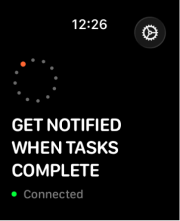
Pending state
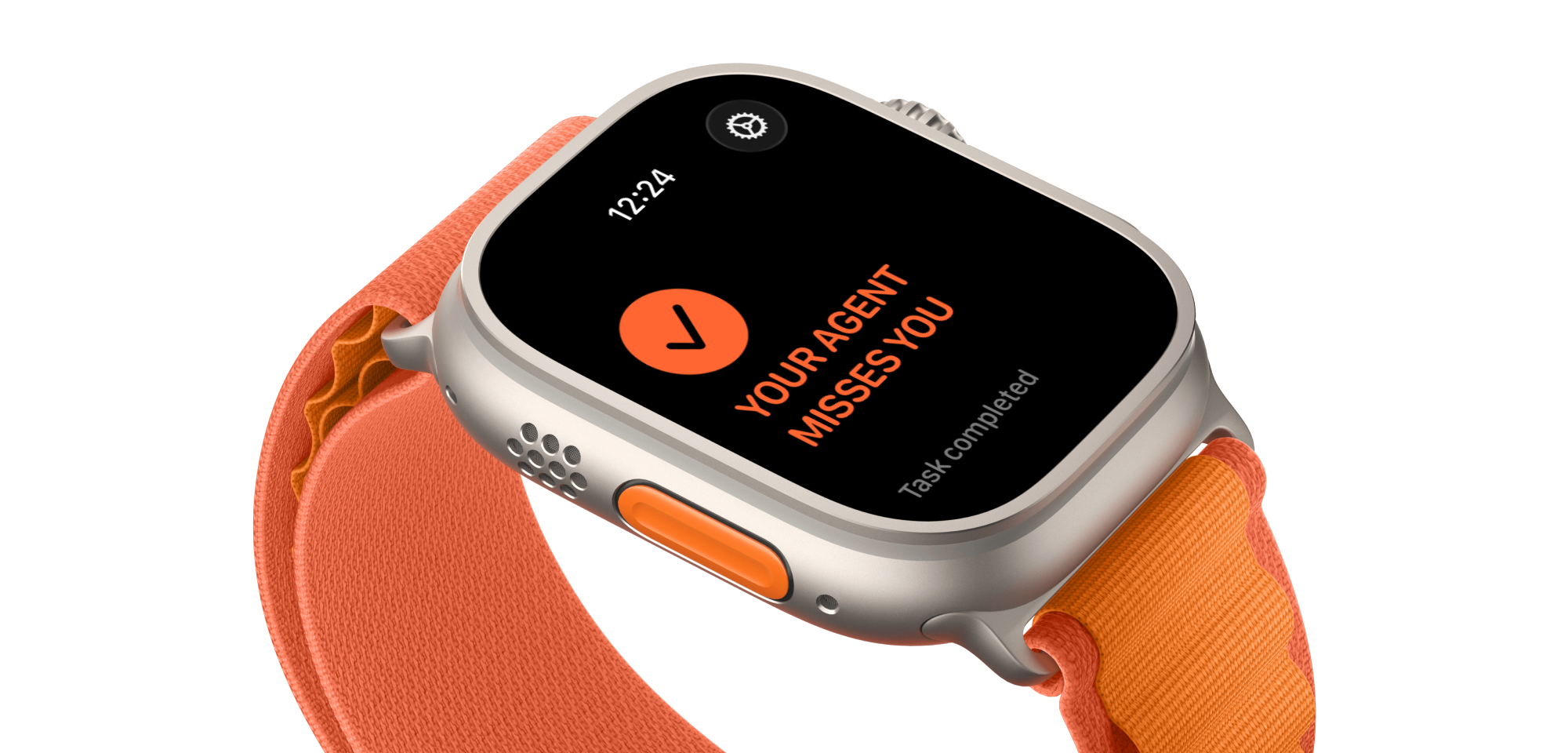
Get notifications from Claude Code to your watch
Taphaptic translates Claude task completion signals into haptics through Apple Watch app over your local network.
Features
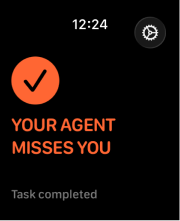
Task completed
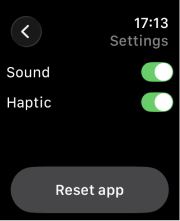
Settings
Installation
- Clone and run setup in one command:
git clone https://github.com/dzzzgnr/taphaptic.git && cd taphaptic && ./scripts/bootstrap-watch.sh
This runs prerequisite checks, starts the local API, installs the Claude hook, and opens Xcode project.
- Install from Xcode
- Open Taphaptic.xcodeproj if it didn’t open automatically.
- Choose your physical Apple Watch destination.
- Press Run to install the watch app.
3. Pair with the 4-digit code
Open Taphaptic on Apple Watch and enter the 4-digit code printed by the installer. The watch app auto-discovers the local API over LAN via _taphaptic._tcp
A pairing code can expire or already be claimed. If that happens, generate a new code by rerunning setup or reconnecting Claude.
Daily run commands
Start local API
./scripts/start-api.sh
Send a verification event (optional)
./scripts/test-claude-connection.sh stop
Stop API (optional)
./scripts/stop-api.sh
Troubleshooting
Server not discovered on watch
Confirm Mac and watch are on the same LAN, then retry pairing.
./scripts/start-api.sh
Pairing code expired or already used
Generate a fresh 4-digit code and enter it on the watch.
./scripts/bootstrap-watch.sh
Uninstall, run from anywhere (no local clone required):
curl -fsSL https://raw.githubusercontent.com/dzzzgnr/taphaptic/main/scripts/uninstall.sh | sh -s -- --yes
If you already cloned this repo:
./scripts/uninstall.sh --yes